
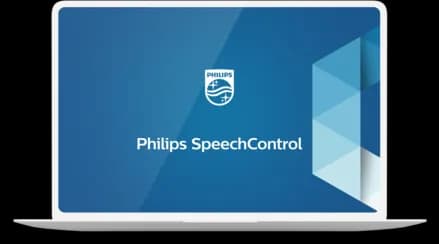
Philips SpeechControl Device & Application Control Software
Customise every SpeechMike button and foot pedal to fit how you work.
- Freely configure your SpeechMike’s buttons and preinstalled modes for a personalized device
- Customize your foot control for more individualized and comfortable use
- Configure workflow applications for more convenient working
- Receive notifications when new firmware upgrades are available for your device for always being up to date
- Authorised Philips reseller
- Setup & configuration
- Local expert support
Full control over your hardware devices for a perfectly personalized solution
SpeechControl gives users and IT teams full control over Philips hardware. Map SpeechMike buttons and the touch pad or trackball, configure foot-control pedals, assign Dragon NaturallySpeaking commands, and control your workflow application, all from one tool. Administrators can roll settings out centrally and are notified when new firmware is available.
Philips SpeechControl Device and Application Control Software gives you full control over your hardware devices. The software allows you to customize the physical buttons of your SpeechMike dictation microphone, the pedals of your foot control, as well as the application actions within your workflow and speech recognition solution.
Ideal for
- Dragon users who want one-button commands
- IT teams standardising SpeechMike settings across a fleet
- Power users with custom dictation workflows
Talk to a Philips specialist
Get pricing, availability, bundle and volume discounts, or a live demo. We'll also set it up and support it.
SpeechControl Device & Application Control Software features
Freely configure your SpeechMike’s buttons and preinstalled modes for a personalized device
Freely customize and assign different functions to each button and enable or disable certain features. You can make the F1 button create a new paragraph for example.
Configure your mouse functionality of your SpeechMike Premium touch pad or track ball for comfortable use
Configure your SpeechMike touch pad or trackball mouse to match your personal work preferences. You can increase or decrease the speed of your mouse cursor for example to fit your personal taste.
Customize your foot control for more individualized and comfortable use
Customize the pedals of your foot control to fit your individual way of working and increase comfort.
Configure workflow applications for more convenient working
Customize application commands, create hot keys or insert text to speed up your document creation process. You can for example insert a custom signature at the end of a letter with the click of a button.
Add and configure Dragon NaturallySpeaking speech recognition commands for even quicker transcription
Add and configure Dragon NaturallySpeaking speech recognition commands for even quicker transcription. You can make tthe fast forward button to a next field button for example.
Receive notifications when new firmware upgrades are available for your device for always being up to date
SpeechControl notifies you when new firmware updates are available for your device and allows you to download them automatically. This saves the user time and makes sure they are always up to date.
Central settings administration for quick and easy settings roll out
Administrators can configure and manage settings for multiple users centrally. This convenient feature saves time and resources.
LFH4000 technical specifications
Related products+
- Supported SpeechMikes
- LFH3200, LFH3300, LFH3500, LFH3600, SMP3700, SMP3800 and SMP4000 series
- Supported foot controls
- ACC2300 and LFH2300 series
System requirements+
- Operating system
- Windows 11, Windows 10 (64 bit), macOS 12/11
Related products & accessories
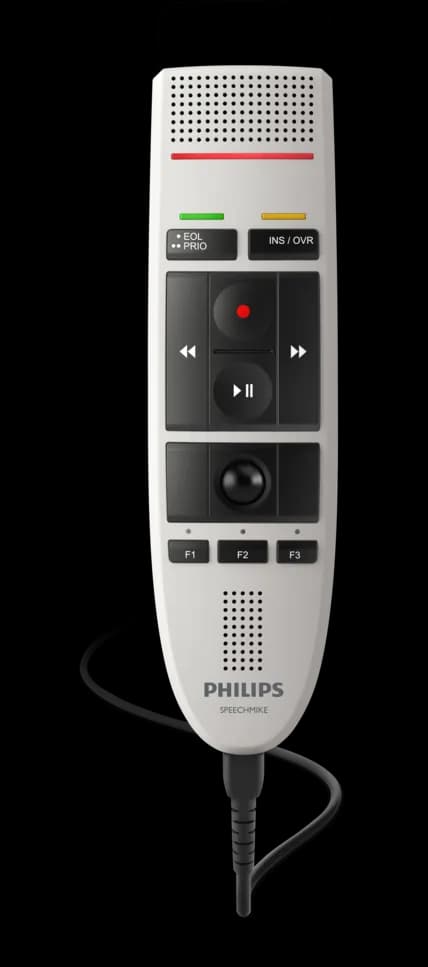
SpeechMike Dictation Microphone
An affordable, noise-cancelling USB dictation microphone built for speech recognition.
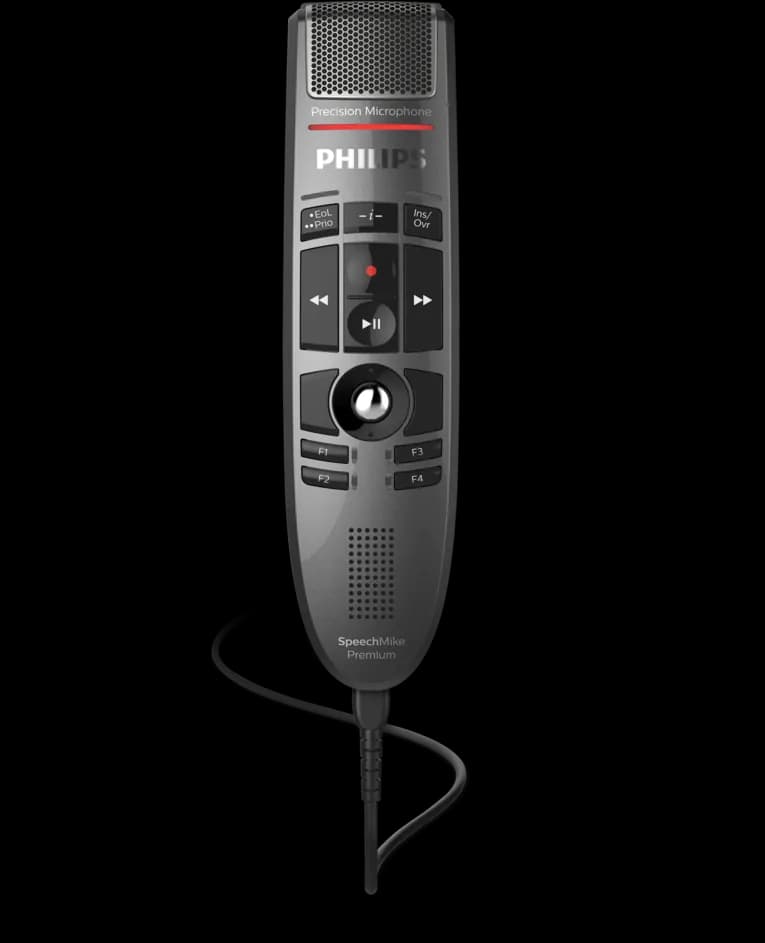
SpeechMike Premium Dictation Microphone
A proven USB dictation microphone with a trackball, precision mic and Dragon plug-and-play.
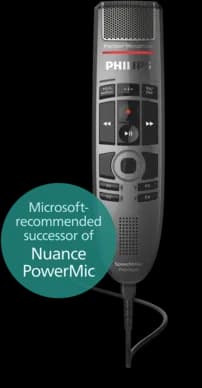
SpeechMike Premium Touch Dictation Microphone
The best-selling USB dictation microphone for speech recognition, and the successor to Nuance PowerMic 4.
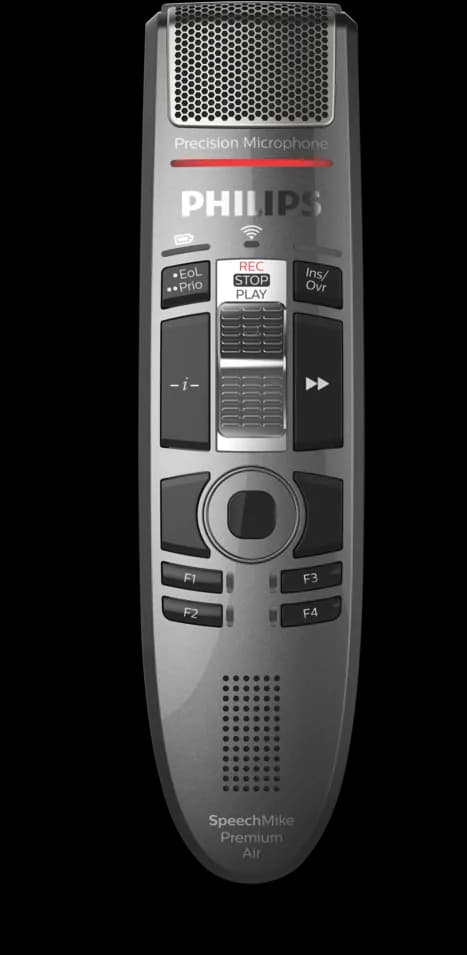
SpeechMike Premium Air Wireless Dictation Microphone
All the accuracy of SpeechMike Premium, without the cable.
SpeechControl Device & Application Control Software questions, answered
Product information, images and specifications courtesy of Speech Processing Solutions (Philips Dictation). Copia is an authorised Philips dictation reseller. Specifications may change without notice. Information reviewed 14 October 2026.
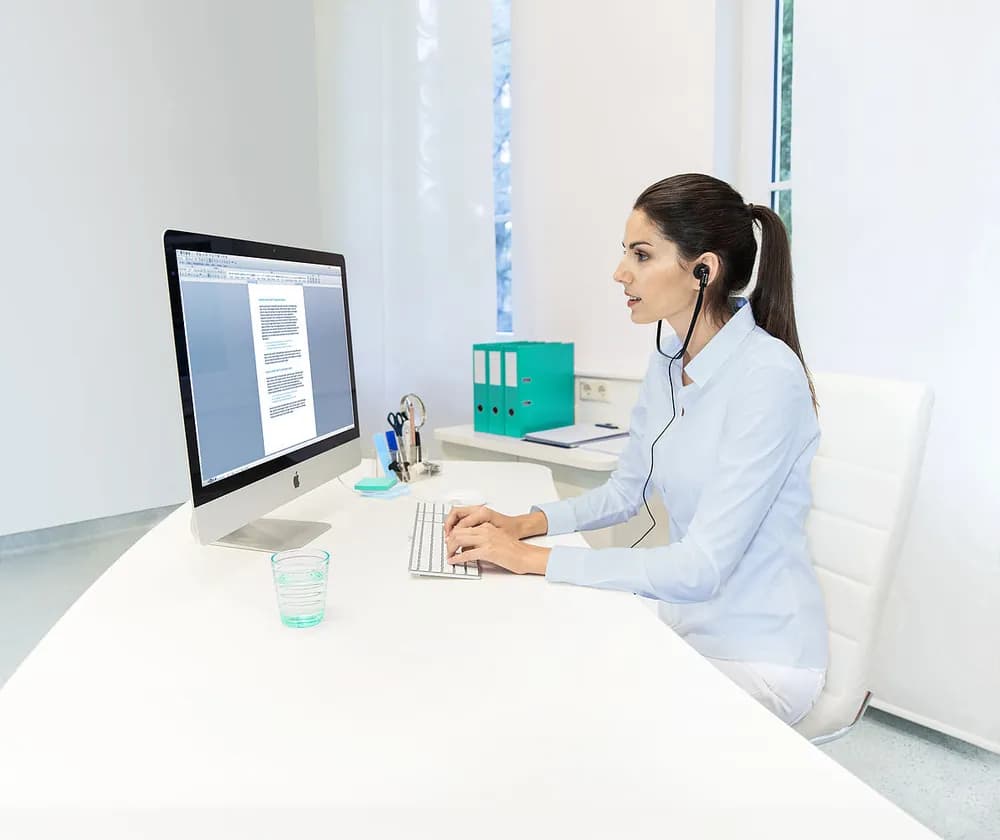
Interested in the SpeechControl Device & Application Control Software?
Ask us for current pricing, a live demo or advice on the right setup. We supply and support Philips products across Australia and New Zealand.
Friendly local experts · No pressure · We respond within one business day.